

High Query Latency in MySQL Monitoring: Causes and Solutions
MySQL is a popular relational database management system widely used for web applications, but high query latency can significantly impact performance and user experience. This article provides a structured approach to identify, address, and prevent high query latency in MySQL through effective monitoring, optimization, and best practices.
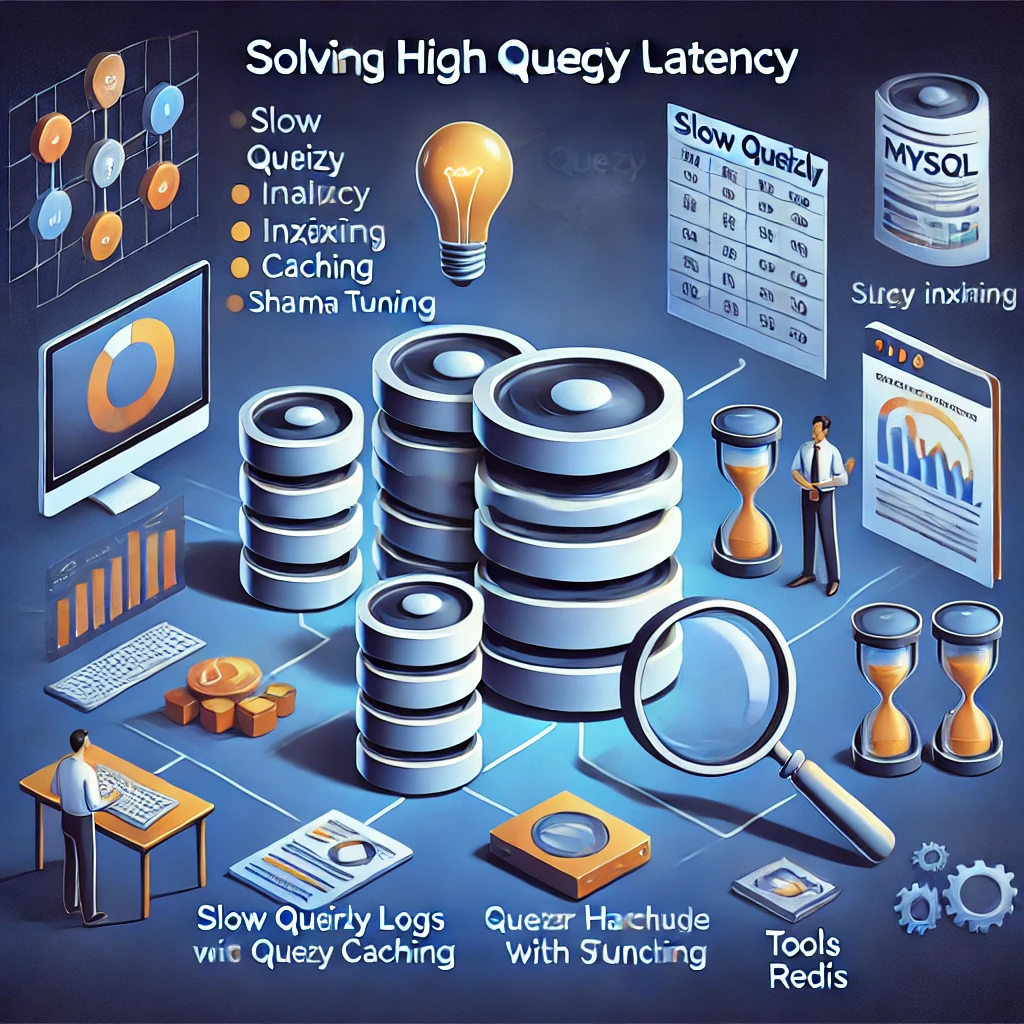
Understanding High Query Latency
High query latency occurs when database queries take longer than expected to execute. This can result from inefficient queries, suboptimal configurations, or hardware limitations. Monitoring and addressing these issues are crucial to maintain database performance and reliability.
Enable and Monitor the Slow Query Log
The slow query log is an essential tool for identifying problematic queries. Here’s how to enable and use it effectively:
Enable Slow Query Log: Modify the MySQL configuration file (
my.cnformy.ini) to include the following:slow_query_log = 1 slow_query_log_file = /var/log/mysql/slow.log long_query_time = 2Restart MySQL to apply these changes:
sudo systemctl restart mysqlAnalyze the Log: Use tools like
mysqldumpsloworpt-query-digestto review the slow query log and identify inefficiencies:mysqldumpslow /var/log/mysql/slow.log
Optimize Queries
Query optimization is critical to reduce latency. Follow these best practices:
Indexing: Ensure proper indexing of columns in
WHERE,GROUP BY,ORDER BY, andJOINclauses. Avoid redundant indexes.Query Simplification: Use only required columns instead of
SELECT *, and consider breaking down complex queries into simpler parts.EXPLAIN: Analyze query execution plans with
EXPLAINto identify inefficiencies like full table scans.EXPLAIN SELECT * FROM orders WHERE status = 'pending';Batch Operations: Avoid N+1 query problems by batching or joining queries.
Optimize Schema Design
A well-designed schema improves query performance. Key considerations include:
-
Normalization: Eliminate redundancy to simplify query execution.
-
Data Types: Use appropriate data types to save storage and speed up operations.
-
Partitioning: Divide large tables into partitions for efficient data management.
-
Foreign Keys: Use constraints for faster joins and data integrity.
Tune MySQL Configuration
Proper configuration can enhance database performance. Adjust these parameters:
Query Cache: Enable and configure query caching to store and reuse results of frequent queries.
Thread Pool: Increase
thread_cache_sizeandmax_connectionsto handle more concurrent users.Buffer Pool: Allocate sufficient memory to
innodb_buffer_pool_sizefor caching data and indexes.Temporary Tables: Increase
tmp_table_sizeandmax_heap_table_sizeto handle complex queries efficiently.
Enhance Server Resources
Hardware and server configurations play a vital role in query performance:
Upgrade Hardware: Use SSDs for better disk I/O and scale up CPU and memory as needed.
Monitor Resources: Use tools like
htop,iostat, or MySQL Workbench to track resource usage.Disk Optimization: Implement RAID for redundancy and improved performance.
Implement Query Caching
Caching reduces database load by storing results of frequent queries:
Use MySQL’s native query cache or application-level caching solutions like Redis or Memcached for high-performance caching.
Monitor and Alert
Continuous monitoring ensures issues are detected and resolved quickly:
Tools: Use monitoring platforms like Prometheus with MySQL Exporter, Percona Monitoring and Management (PMM), or Datadog.
Alerts: Configure alerts for metrics such as high query times, replication delays, or resource utilization spikes.
Test and Validate Changes
Test all changes in a staging environment before applying them to production:
Use tools like Apache JMeter or sysbench to simulate real-world workloads.
Monitor the impact of optimizations to ensure they achieve the desired improvements.
Regular Maintenance
Preventive maintenance keeps the database running smoothly:
Optimize Tables:
OPTIMIZE TABLE table_name;Rebuild Indexes:
ALTER TABLE table_name ENGINE=InnoDB;Log Management: Rotate and archive logs to save disk space.
Conclusion
Addressing high query latency requires a combination of effective monitoring, query and schema optimization, and proactive server management. By following the steps outlined in this article, you can ensure your MySQL database remains efficient and scalable, delivering a seamless experience to users as your data and traffic grow.